

Here’s an easy way to find out!
- IBM websites move around so start by googling “IBM Cognos Supported Environments”. The first set of links should be correct but make sure they look similar to the below.
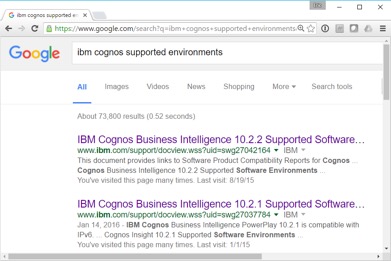
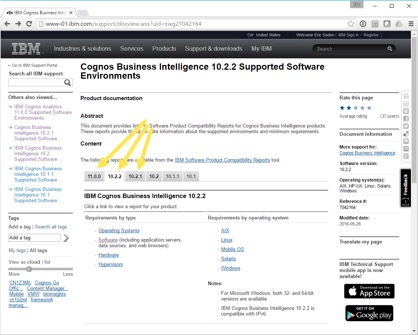
- Click one of the links and you should be taken to the following page where you can select the version of IBM Cognos you are interested in.
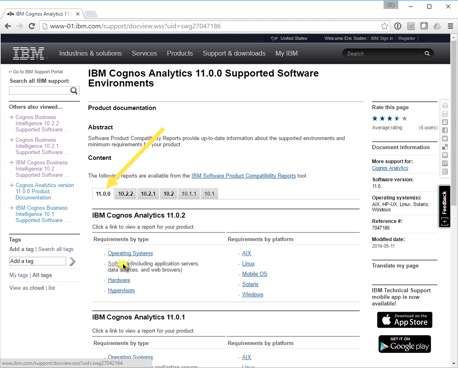
- You’ll see below the version that you can get information about “Operating Systems”, “Software”, “Hardware”, etc. In our example we are interested in data sources and web browsers so we’ll click software.
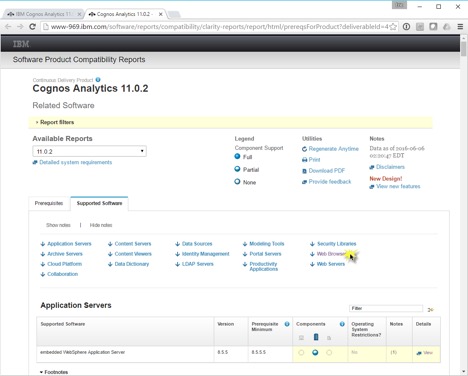
- The following report will come up. Normally you’ll click on the “Supported Software” tab.
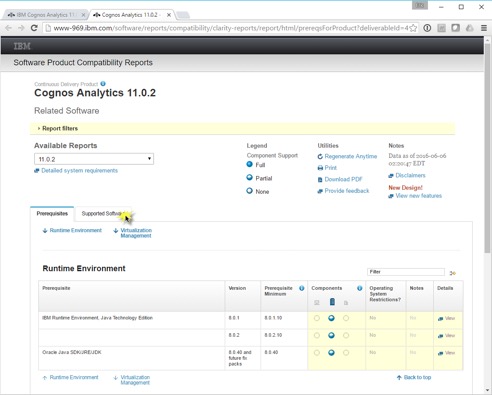
- From here you can print the entire set of supported software environments or link down the page to the desired area. In this case we’ll link to the “Web Browsers”.
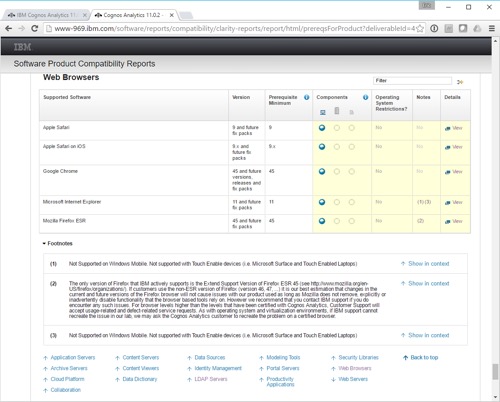
- If you are interested in exactly what is/is not supported for a given environment you can click “View” in the “Details” column to get more information.
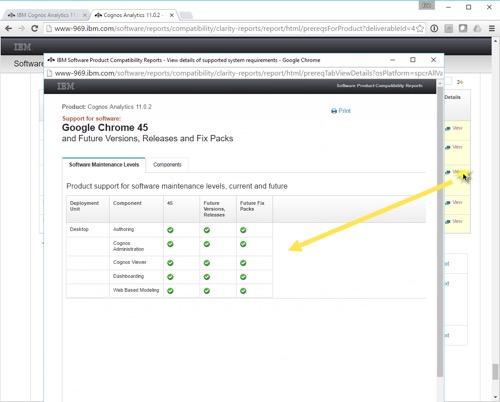
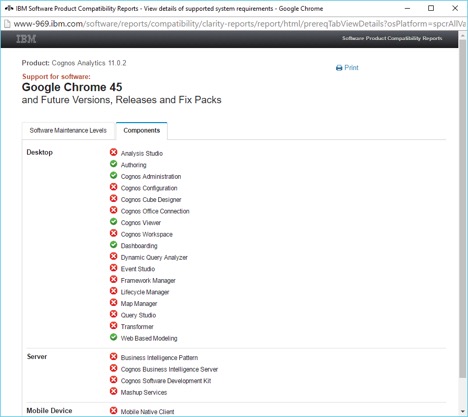
- For more detail about what is supported by component click the “Components” tab. You’ll notice that some of the older and/or client-side environments don’t work in Chrome for example.
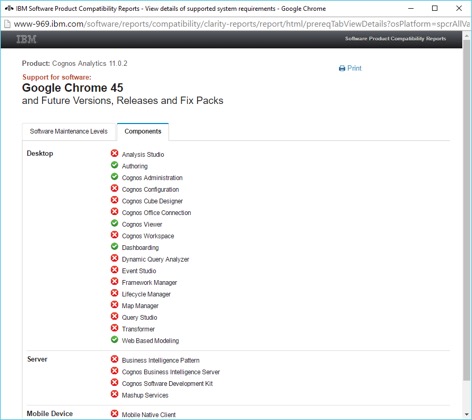
- You can do the same for nearly anything that interacts with IBM Cognos such as data sources.
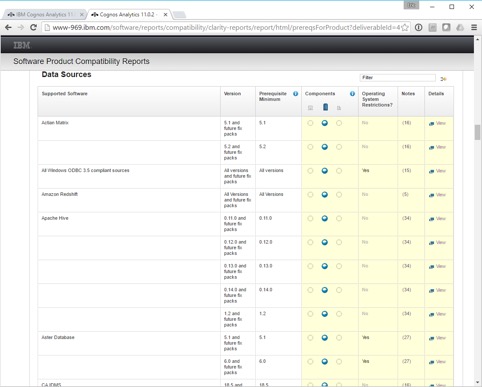
Note: These reports are kept very up to date so check back often if you’re looking for support for a new database or OS release.